AI Mode
Type a sentence. Get an encode. “Compress this to 25 MB for Discord” — done.
FFmcpeg is a free, open-source video encoder for Mac, Windows, and Linux. Type what you want in plain English — or dial in every codec, container, and bitrate. Zero terminal.
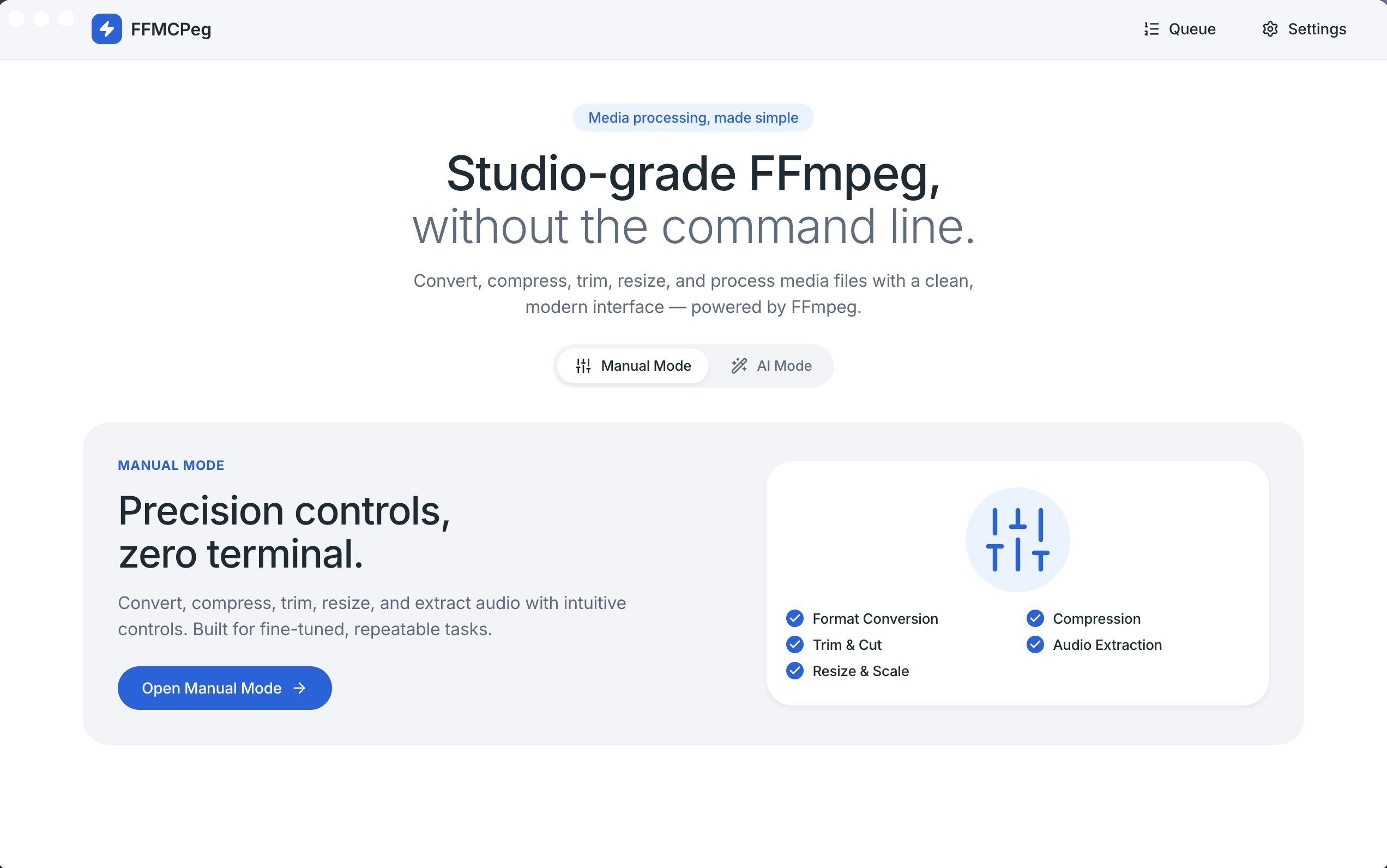
A guided walkthrough — every mode, every operation, explained by the person who built it.
Type a sentence. Get an encode. “Compress this to 25 MB for Discord” — done.
Every codec, every knob, no jargon. CRF, bitrate, or target file size — your choice.
Auto-detects HDR10 transfer at file pick. Preserves color metadata on H.265 / AV1.
NVENC, VideoToolbox, QSV, AMF — auto-detected and ready when your machine supports them.
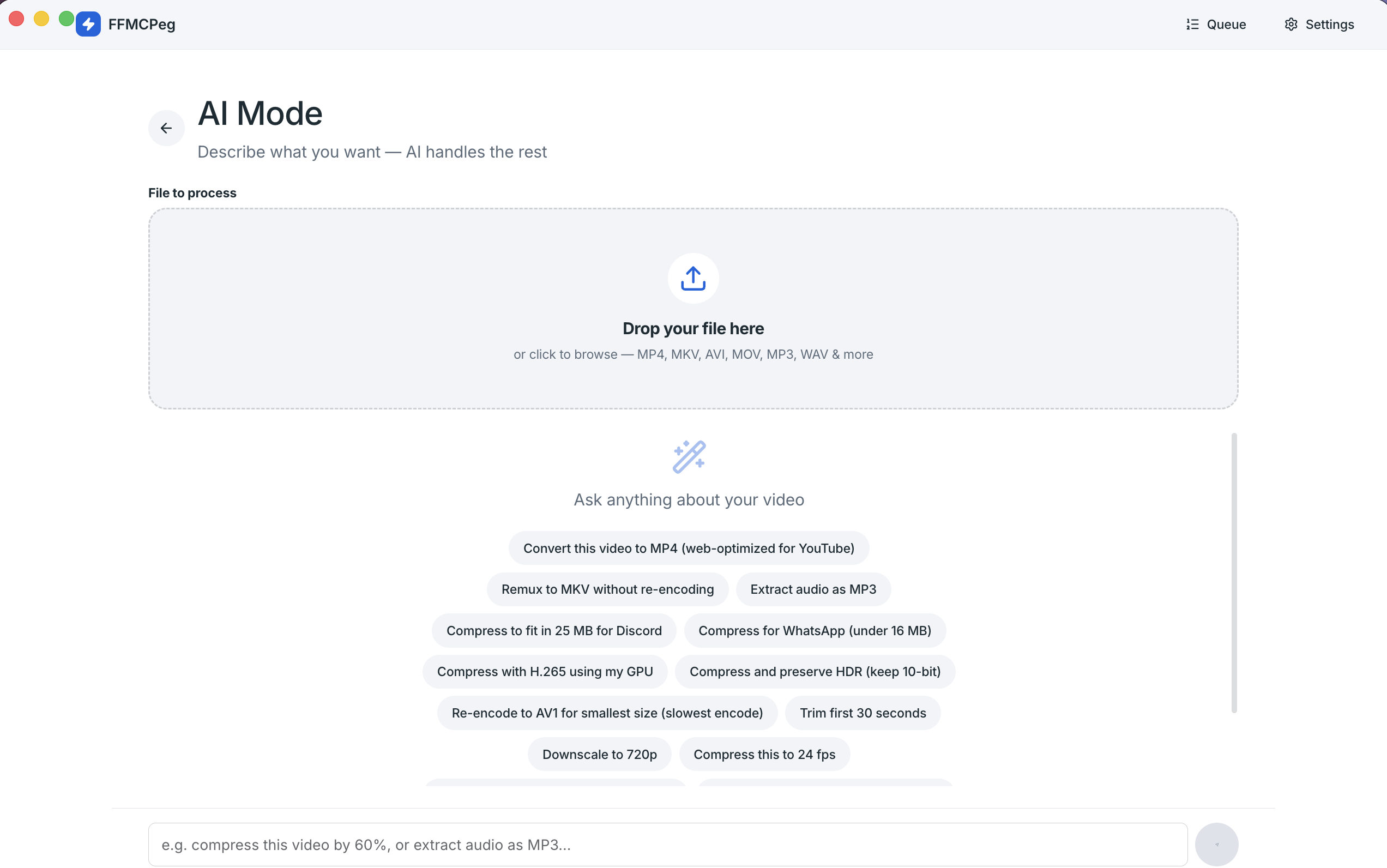
Drop a file. Type what you want. FFmcp turns your sentence into a precise FFmpeg job — preview the JSON, hit run, done.
Powered by Gemini. Your video never leaves your machine — only the prompt text.
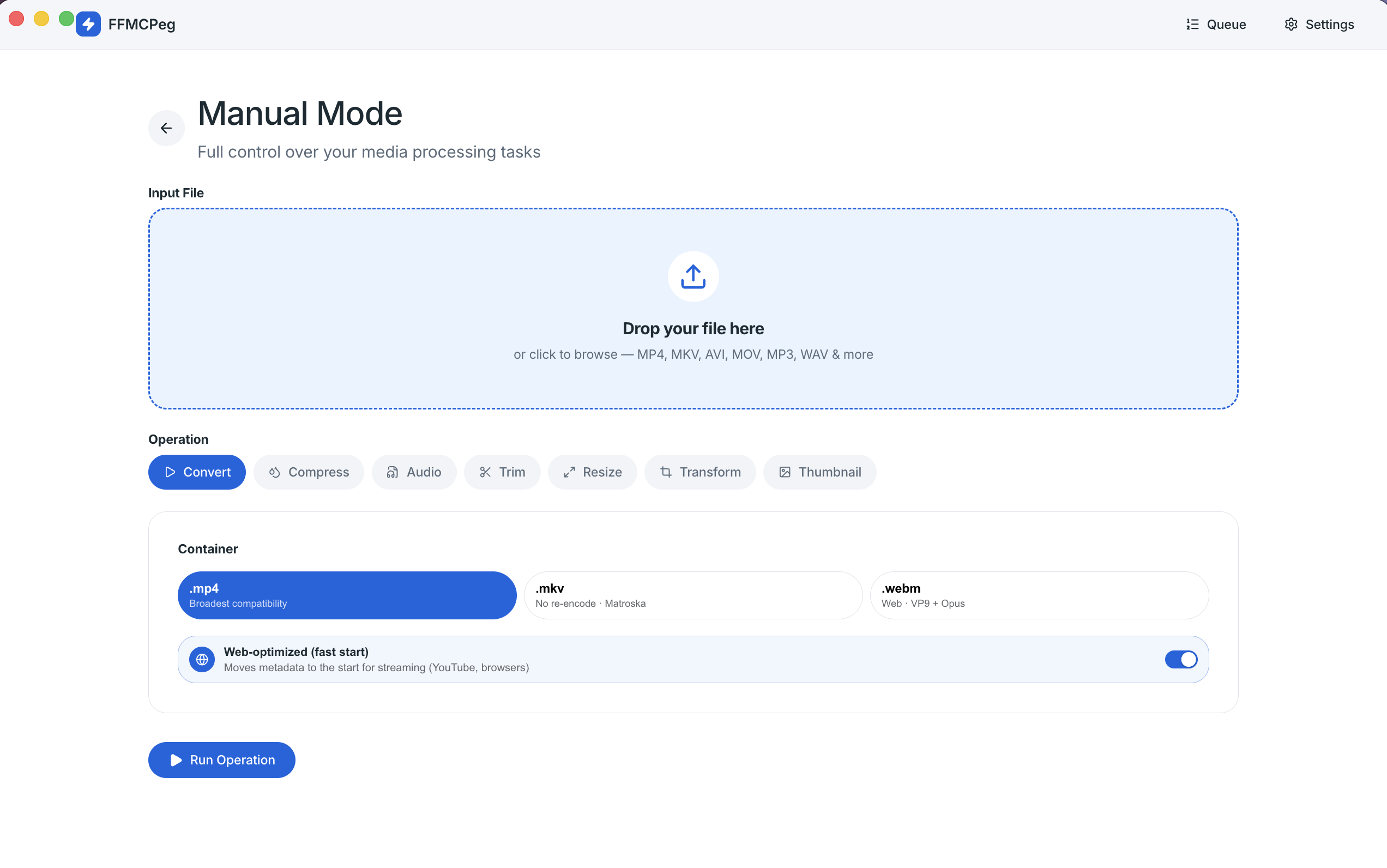
Seven operations, each as deep as you need them to be. Defaults that work, and an Advanced drawer when you want more.
MP4, MKV, or WebM. Web-optimized faststart toggle on MP4. Remux when possible.
H.264 / H.265 / AV1 / VP9. CRF, target bitrate, or target file size.
Extract clean audio tracks in MP3, AAC, or WAV.
Scrubbable timeline preview. Drop in/out points like a video editor.
4K → 480p ladder, custom W×H with aspect lock, don’t-upscale guard.
Rotate, flip, numeric crop. Quick fixes without a separate tool.
Pull a still frame at any timestamp. Perfect for poster images.
H.264, H.265, AV1, and VP9 — with hardware variants auto-detected on your machine.
CRF as a quality slider, target bitrate, or “fit in N megabytes” target file size.
MP4 with web-optimized faststart, MKV, or WebM (with VP9 + Opus on remux).
ffprobe reads transfer at file pick. Preserve HDR keeps 10-bit + color metadata on H.265 / AV1.
4K → 1440p → 1080p → 720p → 480p, plus custom W×H with aspect lock and don’t-upscale.
Rotate 0/90/180/270, flip H/V, numeric crop — re-encodes cleanly to H.264.
A single human dial mapped per encoder (x264, x265, VP9, AV1, NVENC, VideoToolbox, QSV, AMF).
Debounced frame extraction lets you scrub Trim and Thumbnail like a player, not a form.
A pragmatic feature set focused on what casual users and creators actually need.
Drag it into FFmcp or click to browse. We read it with ffprobe and surface every detail.
AI Mode for plain-English instructions. Manual Mode for fine control. Switch any time.
Watch progress in the queue. Files land in your output folder, ready to use.
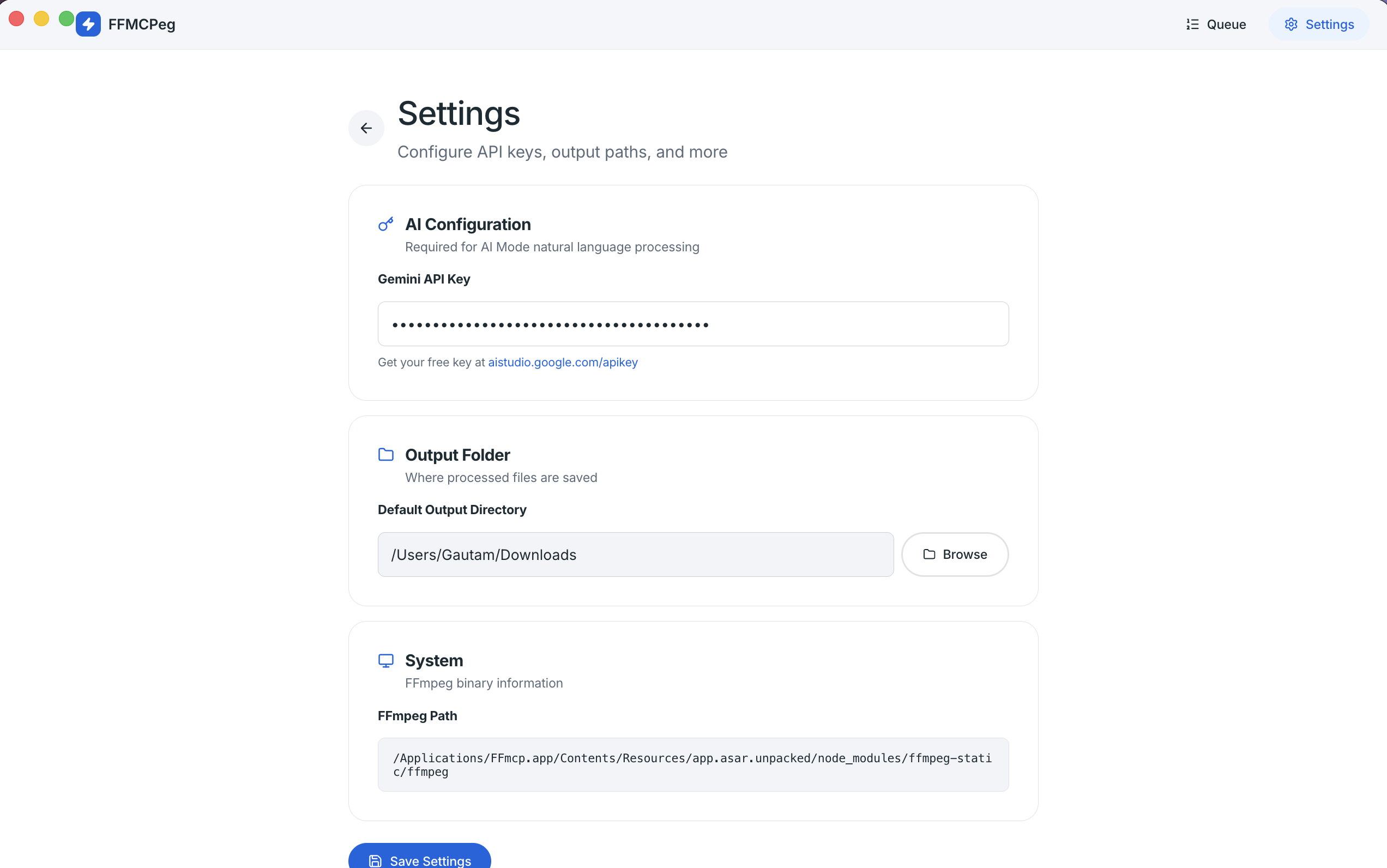
Your videos never leave your machine. AI Mode sends the prompt text to Gemini, and nothing else. Output folder, API key, and detected encoders all live in a local store you control.
Free. Open-source. Apache 2.0. Version v1.0.6 — released May 6, 2026.
First time on macOS or Windows? See the install guide — the unsigned build needs a one-time bypass.
Yes. FFmcp is open source under Apache 2.0. There’s no premium tier, no ads, no telemetry.
We haven’t enrolled in the Apple Developer Program yet, so the build is unsigned. The first launch needs a one-time bypass — see the install guide for steps.
No. Only the prompt text is sent to Gemini. Your video file stays on your machine and is processed locally by FFmpeg.
Multi-file batch and a curated preset library are the focus of Phase 2. Today, FFmcp processes one file at a time.
User-saved presets ship in Phase 2 alongside the curated set (Quick Export, For Social, For Devices, For Editing).
A bundled FFmpeg + ffprobe binary ships with the app. If a system FFmpeg is on your PATH, FFmcp uses that instead.